


Page 13 - 00inner.cdr
P. 13
•  You can see movies and cartoons on it.

            •  The result you see on a monitor screen is called a soft copy                    .


            MOUSE
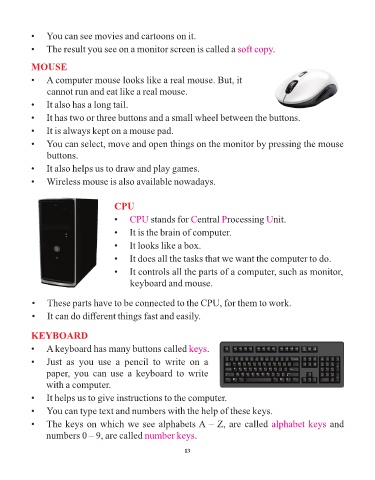
            •  A computer mouse looks like a real mouse. But, it

                 cannot run and eat like a real mouse.

            •  It also has a long tail.

            •  It has two or three buttons and a small wheel between the buttons.
            •  It is always kept on a mouse pad.

            •  You can select, move and open things on the monitor by pressing the mouse

                 buttons.

            •  It also helps us to draw and play games.
            •  Wireless mouse is also available nowadays.


                                         CPU
                                         •  CPU      stands for  entral  rocessing  nit.
                                                                   C
                                                                              P
                                                                                             U
                                         •  It is the brain of computer.
                                         •  It looks like a box.

                                         •  It does all the tasks that we want the computer to do.

                                         •  It controls all the parts of a computer, such as monitor,
                                              keyboard and mouse.


            •  These parts have to be connected to the CPU, for them to work.

            •  It can do different things fast and easily.


            KEYBOARD
            •  A keyboard has many buttons called keys                   .

            •  Just  as  you  use  a  pencil  to  write  on  a

                 paper,  you  can  use  a  keyboard  to  write
                 with a computer.

            •  It helps us to give instructions to the computer.

            •  You can type text and numbers with the help of these keys.

            •  The keys on which we see alphabets A – Z, are called alphabet keys                                  and
                 numbers 0 – 9, are called number keys              .


                                                                 13

