


Page 70 - 00inner.cdr
P. 70
Analyt ical Skills


                Problem Solving

                     Rearrange the letters to get meaningful words.

                     a.   TOORB                                   b.  LGOGOE


                     c.   IRSI


                Practical Session                                                            #Experiential Learning

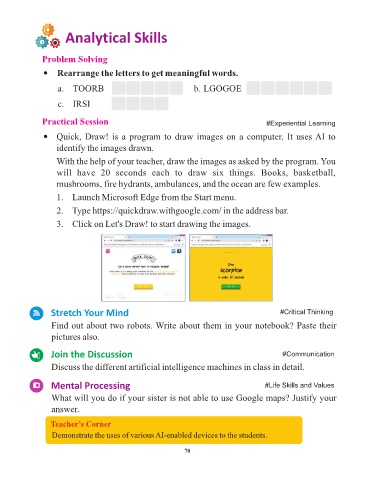
                     Quick, Draw! is a program to draw images on a computer. It uses AI to
                     identify the images drawn.

                     With the help of your teacher, draw the images as asked by the program. You
                     will  have  20  seconds  each  to  draw  six  things.  Books,  basketball,

                     mushrooms, fire hydrants, ambulances, and the ocean are few examples.

                     1.  Launch Microsoft Edge from the Start menu.

                     2.  Type https://quickdraw.withgoogle.com/ in the address bar.

                     3.  Click on Let's Draw! to start drawing the images.


                   Stretch Your Mind                                                              #Critical Thinking


                   Find out about two robots. Write about them in your notebook? Paste their
                   pictures also.

                   Join the Discussion                                                             #Communication

                   Discuss the different artificial intelligence machines in class in detail.


                   Mental Processing                                                         #Life Skills and Values

                   What will you do if your sister is not able to use Google maps? Justify your

                   answer.

                   Teacher’s Corner
                   Demonstrate the uses of various AI-enabled devices to the students.


                                                                 70

