


Page 77 - 00inner.cdr
P. 77
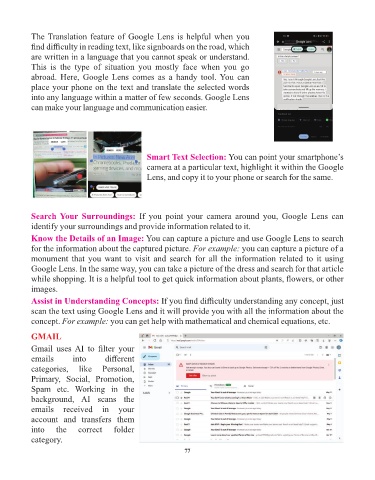
The Translation feature of Google Lens is helpful when you
            find difficulty in reading text, like signboards on the road, which

            are written in a language that you cannot speak or understand.
            This  is  the  type  of  situation  you  mostly  face  when  you  go
            abroad. Here,  Google Lens  comes  as  a  handy  tool. You  can
            place your phone on the text and translate the selected words
            into any language within a matter of few seconds. Google Lens
            can make your language and communication easier.


                                                    Smart Text Selection: You can point your smartphone’s
                                                    camera at a particular text, highlight it within the Google

                                                    Lens, and copy it to your phone or search for the same.


            Search Your  Surroundings:  If  you  point  your  camera  around  you,  Google  Lens  can
            identify your surroundings and provide information related to it.

            Know the Details of an Image: You can capture a picture and use Google Lens to search
            for the information about the captured picture. For example: you can capture a picture of a
            monument that you want to visit and search for all the information related to it using
            Google Lens. In the same way, you can take a picture of the dress and search for that article
            while shopping. It is a helpful tool to get quick information about plants, flowers, or other

            images.
            Assist in Understanding Concepts: If you find difficulty understanding any concept, just
            scan the text using Google Lens and it will provide you with all the information about the
            concept. For example: you can get help with mathematical and chemical equations, etc.


            GMAIL
            Gmail  uses AI  to  filter  your

            emails        into       different
            categories,  like  Personal,
            Primary,  Social,  Promotion,
            Spam  etc.  Working  in  the
            background,  AI  scans  the

            emails  received  in  your
            account  and  transfers  them
            into    the     correct     folder
            category.

                                                                 77

