


Page 73 - 00inner.cdr
P. 73
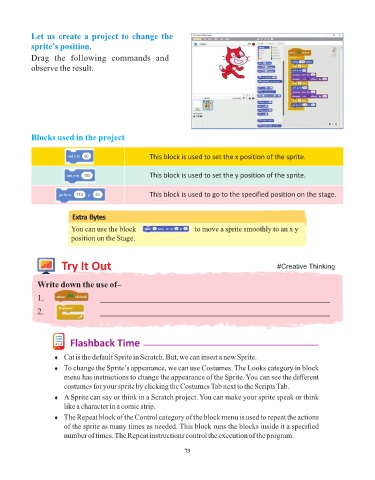
Let us create a project to change the
            sprite’s position.

            Drag  the  following  commands  and
            observe the result.


            Blocks used in the project


                                                     This block is used to set the x position of the sprite.


                                                     This block is used to set the y position of the sprite.


                                                     This block is used to go to the specified position on the stage.


                          Extra Bytes

                          You can use the block                              to move a sprite smoothly to an x y
                          position on the Stage.


                      Try It Out                                                                 #Creative Thinking


              Write down the use of–

              1.                    _____________________________________________________
              2.                    _____________________________________________________


                         Flashback Time

                    ¨  Cat is the default Sprite in Scratch. But, we can insert a new Sprite.

                    ¨  To change the Sprite’s appearance, we can use Costumes. The Looks category in block
                       menu has instructions to change the appearance of the Sprite. You can see the different
                       costumes for your sprite by clicking the Costumes Tab next to the Scripts Tab.
                    ¨  A Sprite can say or think in a Scratch project. You can make your sprite speak or think
                       like a character in a comic strip.
                    ¨  The Repeat block of the Control category of the block menu is used to repeat the actions
                       of the sprite as many times as needed. This block runs the blocks inside it a specified
                       number of times. The Repeat instructions control the execution of the program.


                                                                 73

