


Page 68 - 00inner.cdr
P. 68
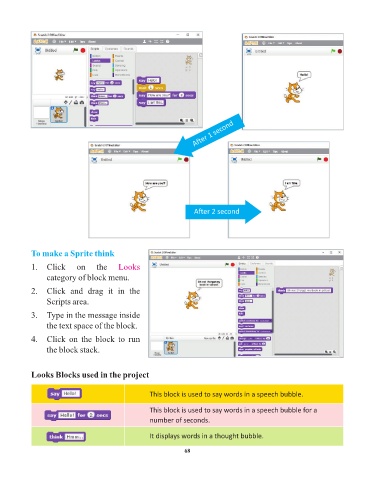
After 1 second


                                                                    After 2 second


            To make a Sprite think

            1.   Click      on    the     Looks
                 category of block menu.

            2.   Click  and  drag  it  in  the
                 Scripts area.

            3.   Type in the message inside

                 the text space of the block.
            4.   Click  on  the  block  to  run

                 the block stack.


            Looks Blocks used in the project


                                                     This block is used to say words in a speech bubble.


                                                     This block is used to say words in a speech bubble for a
                                                     number of seconds.

                                                     It displays words in a thought bubble.


                                                                 68

