


Page 65 - 00inner.cdr
P. 65
8                Scratch:


                                     Next Steps


                          Core Concepts


                          On completion of this chapter you will be able to know :
                          ¨  Changing the Appearance of a Sprite             ¨  Sprites that Speak and Think
                          ¨  Repeating Actions                               ¨  Adding Sound

                          ¨  Working with Two Sprites
                  Warm Up                                                                         #Problem Solving


               Draw and colour the picture of
               sprite of scratch in the space given
               alongside.


            A Scratch is a simple programming language that lets you create your own interactive
            stories, animations, games, music, and art.

            Playing  video  games  is  fun,  but  programming  in  own  video  games  is  a  creative,
            challenging  skill  that  let  you  make  your  own  fun.  The  free  Scratch  programming
            environment gives everyone an easy way to learn programming skills.

            When you start a new Scratch project, it begins with a cat sprite. You can edit the looks of
            the sprite by changing its costume. The Looks block control the looks of the sprite.

            CHANGING THE APPEARANCE OF A SPRITE
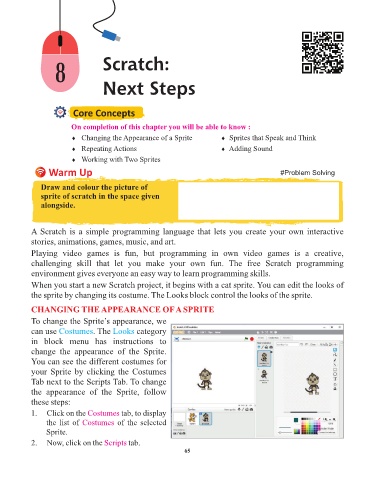
            To change the Sprite’s appearance, we

            can use Costumes     . The Looks    category
            in  block  menu  has  instructions  to
            change  the  appearance  of  the  Sprite.
            You can see the different costumes for
            your Sprite by clicking the Costumes

            Tab next to the Scripts Tab. To change
            the  appearance  of  the  Sprite,  follow
            these steps:
            1.   Click on the Costumes     tab, to display
                 the list of Costumes     of the selected
                 Sprite.

            2.   Now, click on the Scripts    tab.
                                                                 65

