


Page 48 - 00inner.cdr
P. 48
Oval Tool

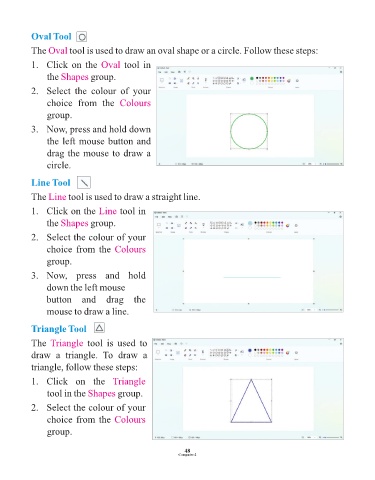
            The Oval     tool is used to draw an oval shape or a circle. Follow these steps:

            1.   Click on the Oval          tool in

                 the Shapes     group.

            2.   Select  the  colour  of  your
                 choice  from  the  Colours

                 group.

            3.   Now, press and hold down

                 the left mouse button and
                 drag the mouse to draw a

                 circle.


            Line Tool

            The Line     tool is used to draw a straight line.

            1.   Click on the Line        tool in
                 the Shapes     group.

            2.   Select the colour of your

                 choice from the Colours

                 group.

            3.   Now,  press  and  hold
                 down the left mouse

                 button  and  drag  the
                 mouse to draw a line.


            Triangle Tool

            The Triangle       tool  is  used  to

            draw  a  triangle.  To  draw  a
            triangle, follow these steps:

            1.   Click  on  the  Triangle

                 tool in the Shapes       group.

            2.   Select the colour of your

                 choice from the Colours
                 group.                                          43


                                                                 48
                                                               Computer-2

