


Page 45 - 00inner.cdr
P. 45
6                Introduction


                                     to MS Paint


                          Core Concepts


                          On completion of this chapter you will be able to know:
                          ¨  How to start Paint?                     ¨    Tools in Paint
                          ¨  Drawing Shapes                          ¨    Saving a Drawing

                          ¨  Creating a New Drawing                  ¨    Opening a Saved Drawing
                          ¨  Exiting Paint


                   Warm Up                                                                          #Art Integration


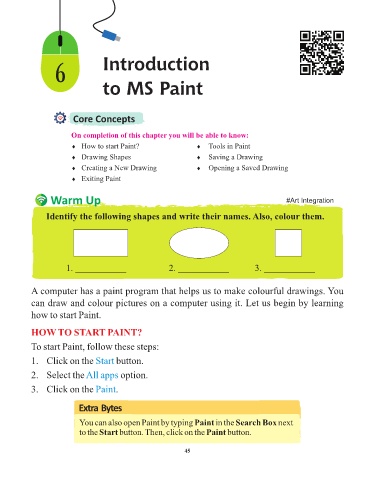
                 Identify the following shapes and write their names. Also, colour them.


                          1. ___________                     2. ___________                3. ___________


            A computer has a paint program that helps us to make colourful drawings. You
            can draw and colour pictures on a computer using it. Let us begin by learning

            how to start Paint.


            HOW TO START PAINT?

            To start Paint, follow these steps:

            1.   Click on the Start      button.

            2.   Select the All apps       option.

            3.   Click on the Paint      .


                            Extra Bytes

                            You can also open Paint by typing Paint in the Search Box next
                            to the Start button. Then, click on the Paint button.


                                                                 45

