


Page 42 - 00inner.cdr
P. 42
Moving the Text

            This feature is used to move the text from its original location to a new one. To move

            the text, follow the steps given below:
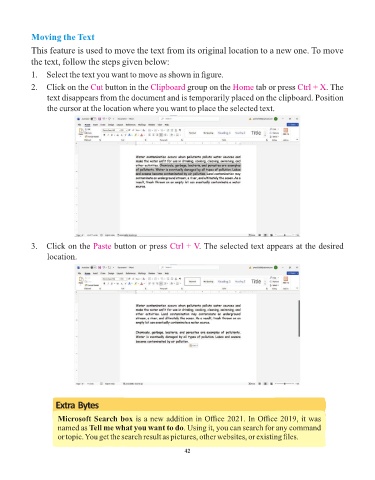
            1.  Select the text you want to move as shown in figure.

            2.  Click on the Cut     button in the Clipboard      group on the Home      tab or press Ctrl + X    . The
                 text disappears from the document and is temporarily placed on the clipboard. Position

                 the cursor at the location where you want to place the selected text.


            3.  Click on the Paste       button or press Ctrl + V     . The selected text appears at the desired

                 location.


                    Extra Bytes


                     Microsoft Search box is a new addition in Office 2021. In Office 2019, it was
                     named as Tell me what you want to do. Using it, you can search for any command
                     or topic. You get the search result as pictures, other websites, or existing files.

                                                                 42

