


Page 44 - 00inner.cdr
P. 44
Deleting the Text

            Word provides the facility to erase the text. You can delete the text in the following

            ways:
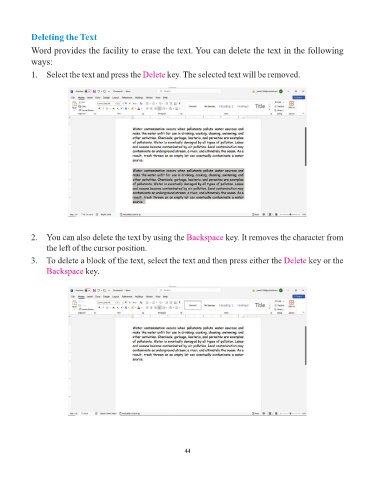
            1.  Select the text and press the Delete       key. The selected text will be removed.


            2.  You can also delete the text by using the Backspace            key. It removes the character from

                 the left of the cursor position.

            3.  To delete a block of the text, select the text and then press either the Delete             key or the
                 Backspace key.


                                                                 44

