


Page 40 - 00inner.cdr
P. 40
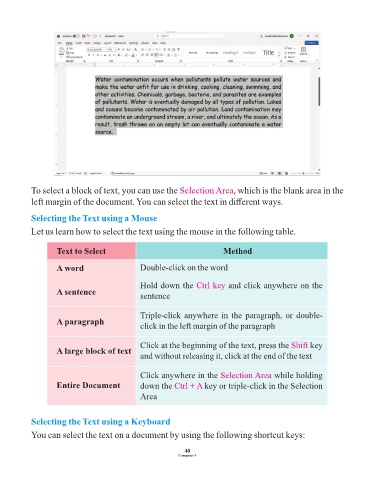
To select a block of text, you can use the Selection Area             , which is the blank area in the

            left margin of the document. You can select the text in different ways.

            Selecting the Text using a Mouse

            Let us learn how to select the text using the mouse in the following table.


                     Text to Select                                           Method

                     A word                      Double-click on the word


                                                 Hold down the Ctrl key         and click anywhere on the
                     A sentence
                                                 sentence


                                                 Triple-click anywhere in the paragraph, or double-
                     A paragraph
                                                 click in the left margin of the paragraph


                                                 Click at the beginning of the text, press the Shift        key
                     A large block of text
                                                 and without releasing it, click at the end of the text


                                                 Click anywhere in the Selection Area           while holding
                     Entire Document             down the Ctrl + A      key or triple-click in the Selection

                                                 Area


            Selecting the Text using a Keyboard

            You can select the text on a document by using the following shortcut keys:


                                                                 40
                                                               Computer-3

