


Page 49 - 00inner.cdr
P. 49
6                Introduction


                                     to Scratch


                           Core Concepts

                          On completion of this chapter you will be able to know :
                          ¨ What is a Scratch?           ¨ Starting Scratch                  ¨ How to Write
                          ¨ Working with Sprite          ¨ Saving a Project                     Scratch Programme
                          ¨ Creating a New Project       ¨ Opening An Existing Project
                          ¨  Exiting Scratch

                   Warm Up                                                                        #Problem Solving


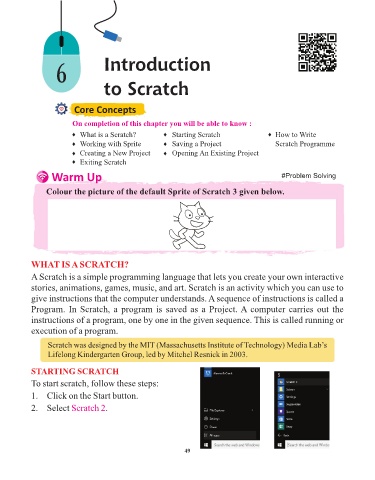
                 Colour the picture of the default Sprite of Scratch 3 given below.


            WHAT IS A SCRATCH?

            A Scratch is a simple programming language that lets you create your own interactive
            stories, animations, games, music, and art. Scratch is an activity which you can use to

            give instructions that the computer understands. A sequence of instructions is called a
            Program. In Scratch, a program is saved as a Project. A computer carries out the
            instructions of a program, one by one in the given sequence. This is called running or

            execution of a program.

                  Scratch was designed by the MIT (Massachusetts Institute of Technology) Media Lab’s
                  Lifelong Kindergarten Group, led by Mitchel Resnick in 2003.

            STARTING SCRATCH

            To start scratch, follow these steps:

            1.  Click on the Start button.
            2.  Select Scratch 2      .


                                                                 49


                  Tech Et ique e


                ¨  Always press the keys of the keyboard gently.


                          Flashback Time


                       Try It Out                                                                  #Problem Solving

