


Page 53 - 00inner.cdr
P. 53
Try It Out                                                                 #Creative Thinking


              Write down the categories of blocks in the space given below.

              1.  ___________________                    0 2.      ___________________
              3.  ___________________                    0 4.      ___________________

              5.  ___________________                    0 6.      ___________________
              7.  ___________________                    0 8.      ___________________

              9.  ___________________                    10.      ___________________


            SAVING A PROJECT
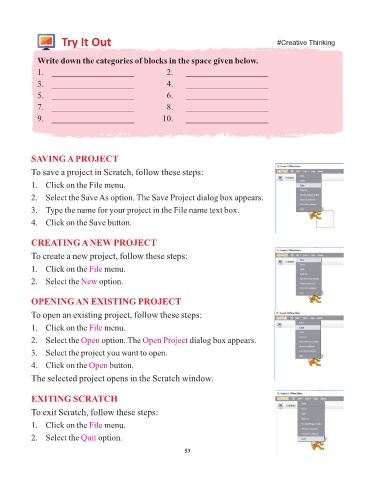
            To save a project in Scratch, follow these steps:

            1.   Click on the File menu.

            2.   Select the Save As option. The Save Project dialog box appears.

            3.   Type the name for your project in the File name text box.
            4.   Click on the Save button.


            CREATING A NEW PROJECT
            To create a new project, follow these steps:

            1.   Click on the File   menu.

            2.   Select the New    option.


            OPENING AN EXISTING PROJECT

            To open an existing project, follow these steps:

            1.   Click on the File   menu.

            2.   Select the Open    option. The Open Project       dialog box appears.
            3.   Select the project you want to open.

            4.   Click on the Open     button.

            The selected project opens in the Scratch window.


            EXITING SCRATCH

            To exit Scratch, follow these steps:

            1.   Click on the File   menu.

            2.   Select the Quit   option.

                                                                 53


                  Tech Et ique e


                ¨  Always press the keys of the keyboard gently.


                          Flashback Time


                       Try It Out                                                                  #Problem Solving

