


Page 58 - 00inner.cdr
P. 58
Hyperlinks

            The link that connects one page to another is known as a hyperlink                 . Thus, a hyperlink
            allows  you  to  move  to  some  other  webpage  with  related  information.  When  the

            mouse pointer is moved over a hyperlinked image or text, the pointer changes to a
            hand symbol. Clicking on the hyperlink takes you to a different page.


            Website
            The location where the information is available on the web is called a website. It is a

            collection of one or more related webpages linked together.


            Web browser

            Information on a website is accessed by using the Internet application called the
            browser. A web browser is a software that lets you access the pages on the World

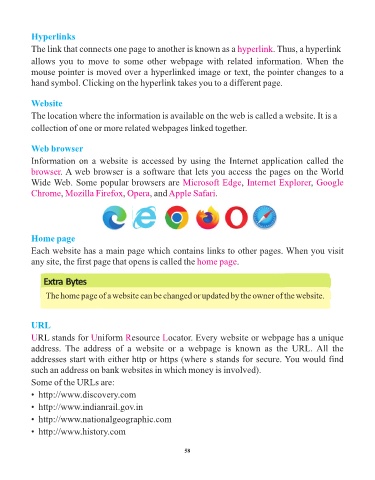
            Wide Web. Some popular browsers are Microsoft Edge                      , Internet Explorer     , Google
                                            ,
                      ,
            Chrome Mozilla Firefox Opera, and              Apple Safari.


            Home page
            Each website has a main page which contains links to other pages. When you visit

            any site, the first page that opens is called the home page            .


                Extra Bytes

                 The home page of a website can be changed or updated by the owner of the website.


            URL

            URL stands for      Uniform     Resource     Locator. Every website or webpage has a unique
            address.  The  address  of  a  website  or  a  webpage  is  known  as  the  URL. All  the

            addresses start with either http or https (where s stands for secure. You would find
            such an address on bank websites in which money is involved).

            Some of the URLs are:
            •  http://www.discovery.com

            •  http://www.indianrail.gov.in

            •  http://www.nationalgeographic.com
            •  http://www.history.com


                                                                 58

