


Page 48 - Code Craft Computer-8
P. 48
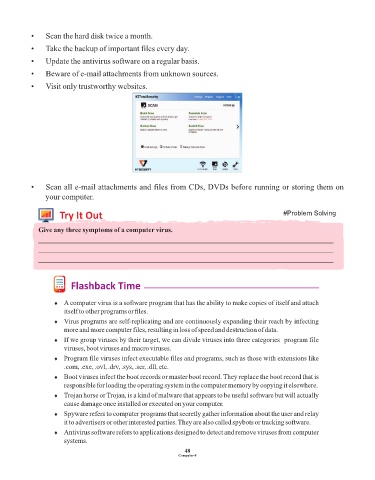
•    Scan the hard disk twice a month.

            •    Take the backup of important files every day.
            •    Update the antivirus software on a regular basis.

            •    Beware of e-mail attachments from unknown sources.

            •    Visit only trustworthy websites.


            •    Scan all e-mail attachments and files from CDs, DVDs before running or storing them on
                 your computer.

                      Try It Out                                                                   #Problem Solving


              Give any three symptoms of a computer virus.
              _____________________________________________________________________________________
              _____________________________________________________________________________________
              _____________________________________________________________________________________


                          Flashback Time


                    ¨  A computer virus is a software program that has the ability to make copies of itself and attach
                       itself to other programs or files.

                    ¨  Virus programs are self-replicating and are continuously expanding their reach by infecting
                       more and more computer files, resulting in loss of speed and destruction of data.

                    ¨  If we group viruses by their target, we can divide viruses into three categories  program file
                       viruses, boot viruses and macro viruses.

                    ¨  Program file viruses infect executable files and programs, such as those with extensions like
                       .com, .exe, .ovl, .drv, .sys, .scr, .dll, etc.

                    ¨  Boot viruses infect the boot records or master boot record. They replace the boot record that is
                       responsible for loading the operating system in the computer memory by copying it elsewhere.

                    ¨  Trojan horse or Trojan, is a kind of malware that appears to be useful software but will actually
                       cause damage once installed or executed on your computer.

                    ¨  Spyware refers to computer programs that secretly gather information about the user and relay
                       it to advertisers or other interested parties. They are also called spybots or tracking software.

                    ¨  Antivirus software refers to applications designed to detect and remove viruses from computer
                       systems.

                                                                 48
                                                               Computer-8

