


Page 28 - 00inner.cdr
P. 28
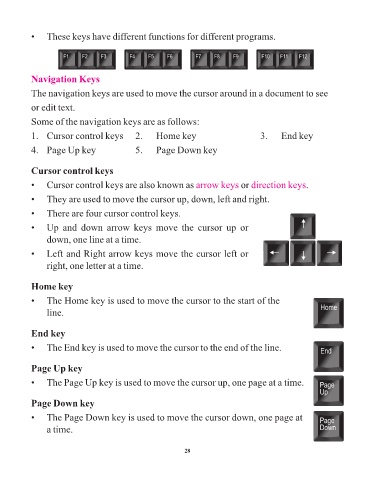
•   These keys have different functions for different programs.


            Navigation Keys

            The navigation keys are used to move the cursor around in a document to see

            or edit text.


            Some of the navigation keys are as follows:
            1.   Cursor control keys   2.   Home key                                       3.   End key


            4.   Page Up key                    5.   Page Down key


            Cursor control keys

            •   Cursor control keys are also known as arrow keys                    or direction keys      .

            •   They are used to move the cursor up, down, left and right.

            •   There are four cursor control keys.

            •   Up  and  down  arrow  keys  move  the  cursor  up  or

                 down, one line at a time.

            •   Left and Right arrow keys move the cursor left or
                 right, one letter at a time.


            Home key

            •   The Home key is used to move the cursor to the start of the

                 line.


            End key

            •   The End key is used to move the cursor to the end of the line.


            Page Up key

            •   The Page Up key is used to move the cursor up, one page at a time.


            Page Down key

            •   The Page Down key is used to move the cursor down, one page at

                 a time.


                                                                 28

