


Page 32 - 00inner.cdr
P. 32
Drag-and-drop

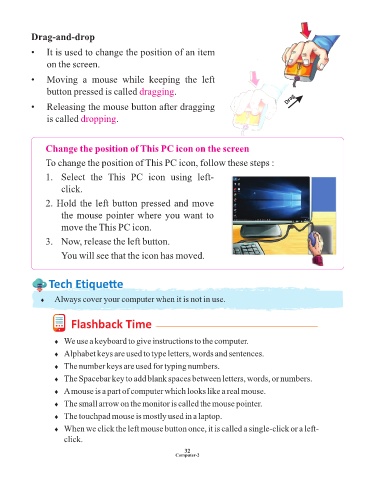
            •   It is used to change the position of an item

                 on the screen.

            •   Moving  a  mouse  while  keeping  the  left

                 button pressed is called dragging           .
                                                                                                    Drag
            •   Releasing the mouse button after dragging

                 is called dropping      .


                 Change the position of This PC icon on the screen

                 To change the position of This PC icon, follow these steps :

                 1.   Select  the  This  PC  icon  using  left-

                      click.

                 2. Hold the left button pressed and move

                      the mouse pointer where you want to
                      move the This PC icon.

                 3.   Now, release the left button.

                      You will see that the icon has moved.


                  Tech Et ique e


               ¨  Always cover your computer when it is not in use.


                          Flashback Time


                    ¨  We use a keyboard to give instructions to the computer.

                    ¨  Alphabet keys are used to type letters, words and sentences.
                    ¨  The number keys are used for typing numbers.

                    ¨  The Spacebar key to add blank spaces between letters, words, or numbers.

                    ¨  A mouse is a part of computer which looks like a real mouse.
                    ¨  The small arrow on the monitor is called the mouse pointer.

                    ¨  The touchpad mouse is mostly used in a laptop.

                    ¨  When we click the left mouse button once, it is called a single-click or a left-
                       click.

                                                                 32
                                                              Computer-2

