


Page 34 - 00inner.cdr
P. 34
C.   True and False assessment.

                     1.   A computer mouse should not be kept on a mouse pad.

                     2.   Releasing the mouse button after dragging is called dropping.

                     3.   The End key is used to the cursor to the end of the line.

                     4.   There is only one Shift key on the keyboard.

              D.   Give appropriate responses to the questions.

                     1.   What is the use of Tab key?

                     2.   What are navigation keys? Name some of the navigation keys.

                     3.   What is the use of double-click mouse action?

                     4.   Define right-click.


                        Analyt ical Skills


              Pictorial-Based Learning

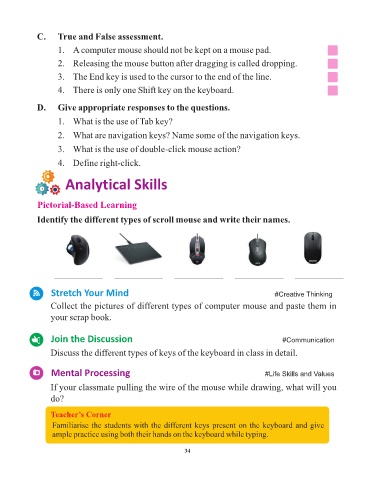
              Identify the different types of scroll mouse and write their names.


                    ___________          ___________         ___________          ___________          ___________


                   Stretch Your Mind                                                            #Creative Thinking

                   Collect the pictures of different types of computer mouse and paste them in

                   your scrap book.


                   Join the Discussion                                                             #Communication

                   Discuss the different types of keys of the keyboard in class in detail.


                   Mental Processing                                                         #Life Skills and Values


                   If your classmate pulling the wire of the mouse while drawing, what will you
                   do?


                   Teacher’s Corner
                   Familiarise the students with the different keys present on the keyboard and give
                   ample practice using both their hands on the keyboard while typing.


                                                                 34

