


Page 31 - 00inner.cdr
P. 31
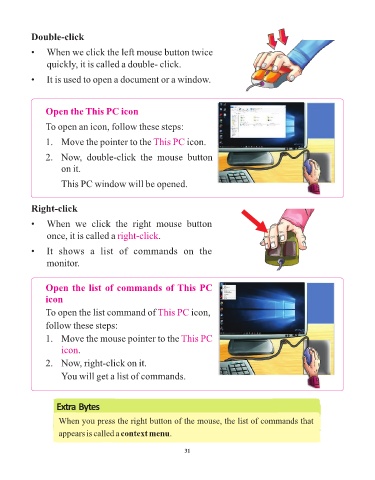
Double-click

            •   When we click the left mouse button twice

                 quickly, it is called a double- click.

            •   It is used to open a document or a window.


                 Open the This PC icon

                 To open an icon, follow these steps:


                 1.   Move the pointer to the This PC             icon.

                 2.   Now,  double-click  the  mouse  button

                      on it.

                      This PC window will be opened.


            Right-click


            •   When  we  click  the  right  mouse  button
                 once, it is called a right-click       .

            •   It  shows  a  list  of  commands  on  the

                 monitor.


                 Open the list of commands of This PC

                 icon

                 To open the list command of This PC               icon,
                 follow these steps:

                 1.   Move the mouse pointer to the This PC

                      icon.

                 2.   Now, right-click on it.
                      You will get a list of commands.


                     Extra Bytes

                     When you press the right button of the mouse, the list of commands that

                     appears is called a context menu.


                                                                 31

