


Page 29 - 00inner.cdr
P. 29
Try It Out                                                               #Information Literacy


              Answer me.

              1.  Longest Key                                                            _____________

              2.  Deletes the letters typed before the cursor                            _____________
              3.  Moves the cursor down to the next line                                 _____________

              4.  Moves the cursor to the right by many spaces                           _____________

              5.  Closes a menu or dialog box                                            _____________
              6.  Move the cursor to the start of the line                               _____________


            A COMPUTER MOUSE

            A  mouse  is  a  part  of  computer  which  looks  like  a  real
                                                                                                                 Mouse
            mouse. It is small in size. It is used to point at items shown                                       Pointer
            on  the  monitor.  When  we  move  the  mouse  around,  the

            small arrow on the screen also moves around. The small
            arrow is called the mouse pointer              . The mouse is usually

            kept on a flat surface called the mouse pad.


            Types of the Computer Mouse

            There  are  many  different  types  of  computer  mouse.  Some  of  them  are  as

            follows :

            Mouse with Different Buttons


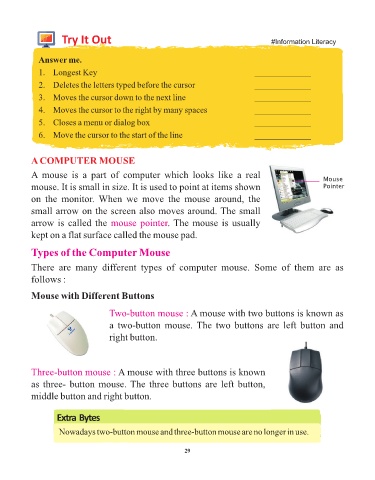
                                       Two-button mouse : A mouse with two buttons is known as
                                       a two-button mouse. The two buttons are left button and

                                       right button.


            Three-button mouse : A mouse with three buttons is known
            as three- button mouse. The three buttons are left button,

            middle button and right button.


                     Extra Bytes

                     Nowadays two-button mouse and three-button mouse are no longer in use.


                                                                 29

