


Page 38 - 00inner.cdr
P. 38
•  The Vertical scroll bar   is present to the right of the document window. You can drag
                 the vertical scroll bar up and down to see parts of a document that are currently not
                 visible.

               •  The Horizontal scroll bar     is present at the bottom of the document window. You can
                 also drag the horizontal scroll bar left and right.

               Status Bar
               The  Status  bar  is  located  at  the  bottom  of  the  Word  window.  It  indicates

               information about the current document. It displays information about what page
               you are on, as well as your line number on the page and character number on the
               line. It appears at the bottom of the Word window. The View                       buttons and the

               Zoom slider are present on its right side.


            CREATING A NEW DOCUMENT

            To create a new document, follow these steps:                                 Extra Bytes

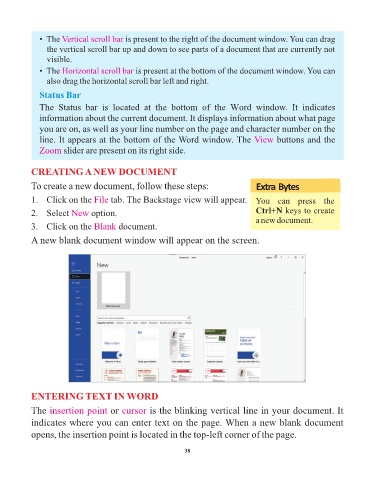
            1.   Click on the File     tab. The Backstage view will appear. You  can  press  the

            2.   Select New      option.                                                 Ctrl+N keys to create
                                                                                         a new document.
            3.   Click on the Blank       document.

            A new blank document window will appear on the screen.


            ENTERING TEXT IN WORD

            The insertion point        or cursor     is the blinking vertical line in your document. It
            indicates where you can enter text on the page. When a new blank document

            opens, the insertion point is located in the top-left corner of the page.


                                                                 38

