


Page 39 - 00inner.cdr
P. 39
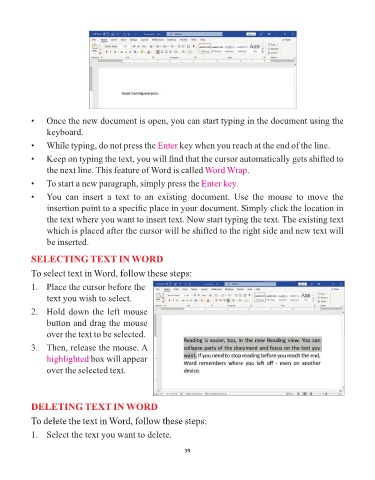
•    Once the new document is open, you can start typing in the document using the

                 keyboard.

            •    While typing, do not press the Enter          key when you reach at the end of the line.

            •    Keep on typing the text, you will find that the cursor automatically gets shifted to
                 the next line. This feature of Word is called Word Wrap              .

            •    To start a new paragraph, simply press the Enter key              .

            •    You  can  insert  a  text  to  an  existing  document.  Use  the  mouse  to  move  the
                 insertion point to a specific place in your document. Simply click the location in

                 the text where you want to insert text. Now start typing the text. The existing text
                 which is placed after the cursor will be shifted to the right side and new text will

                 be inserted.

            SELECTING TEXT IN WORD

            To select text in Word, follow these steps:

            1.   Place the cursor before the

                 text you wish to select.
            2.   Hold down the left mouse

                 button and drag the mouse
                 over the text to be selected.

            3.   Then, release the mouse. A

                 highlighted box will appear
                 over the selected text.


            DELETING TEXT IN WORD

            To delete the text in Word, follow these steps:

            1.   Select the text you want to delete.


                                                                 39

