


Page 57 - 00inner.cdr
P. 57
The different sound blocks are as follows:

                 a.  Pop

                     It plays a ‘pop’ sound.

                 b.  Play recorded sound
                     It plays a sound recorded by the user.


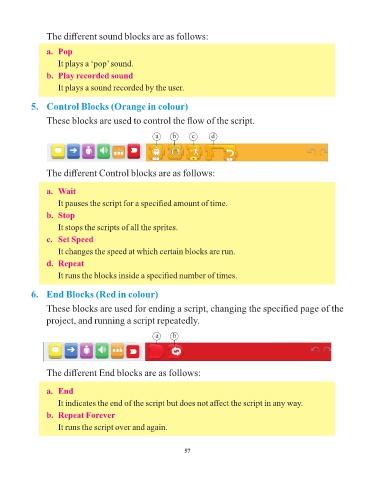
            5.  Control Blocks (Orange in colour)

                 These blocks are used to control the flow of the script.


                                                       a     b     c      d


                 The different Control blocks are as follows:


                 a.  Wait
                     It pauses the script for a specified amount of time.

                 b.  Stop
                     It stops the scripts of all the sprites.

                 c.  Set Speed

                     It changes the speed at which certain blocks are run.
                 d.  Repeat

                     It runs the blocks inside a specified number of times.


            6.  End Blocks (Red in colour)

                 These blocks are used for ending a script, changing the specified page of the
                 project, and running a script repeatedly.


                                                       a     b


                 The different End blocks are as follows:


                 a.  End
                     It indicates the end of the script but does not affect the script in any way.

                 b.  Repeat Forever
                     It runs the script over and again.


                                                                 57

