


Page 31 - 00inner.cdr
P. 31
INSERTING STICKERS

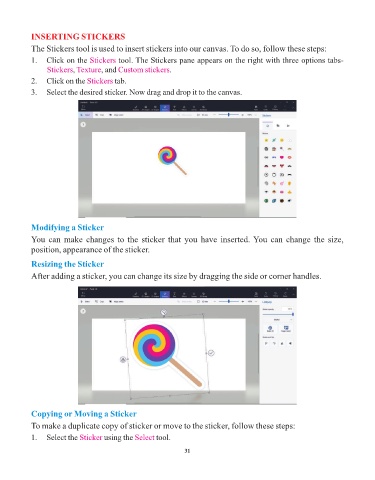
            The Stickers tool is used to insert stickers into our canvas. To do so, follow these steps:
            1.  Click on the Stickers     tool. The Stickers pane appears on the right with three options tabs-
                          ,
                 Stickers Texture, and    Custom stickers.
            2.  Click on the Stickers    tab.
            3.  Select the desired sticker. Now drag and drop it to the canvas.


            Modifying a Sticker

            You can make changes to the sticker that you have inserted. You can change the size,
            position, appearance of the sticker.

            Resizing the Sticker

            After adding a sticker, you can change its size by dragging the side or corner handles.


            Copying or Moving a Sticker

            To make a duplicate copy of sticker or move to the sticker, follow these steps:

            1.   Select the Sticker  using the Select  tool.

                                                                 31

