


Page 29 - 00inner.cdr
P. 29
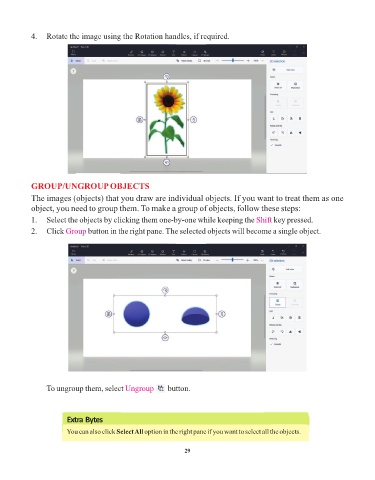
4.  Rotate the image using the Rotation handles, if required.


            GROUP/UNGROUP OBJECTS
            The images (objects) that you draw are individual objects. If you want to treat them as one
            object, you need to group them. To make a group of objects, follow these steps:

            1.  Select the objects by clicking them one-by-one while keeping the Shift          key pressed.
            2.  Click Group     button in the right pane. The selected objects will become a single object.


                 To ungroup them, select Ungroup             button.


                        Extra Bytes
                        You can also click Select All option in the right pane if you want to select all the objects.


                                                                 29

