


Page 24 - 00inner.cdr
P. 24
4                More on


                                     Paint 3D


                          Core Concepts


                          On completion of this chapter you will be able to know:
                          ¨  Components of Paint3D Window           ¨   Working with Canvas Tool
                          ¨  Using 3D Library                       ¨   Group/Ungroup Objects

                          ¨  Adding or Deleting Text                ¨   Inserting Stickers
                          ¨  Adding Effects


                  Warm Up                                                                         #Problem Solving

                 Write down the difference between Microsoft paint and Paint 3D in your notebook.

                 ________________________________________________________________________
                 ________________________________________________________________________

                 ________________________________________________________________________
                 ________________________________________________________________________


            Paint  3D  is  used  to  draw  shapes  like  cubes,  cuboids,  cylinders,  cones,  spheres  and

            doughnuts. You can rotate and turn these shapes to see different views of the 3D shapes.

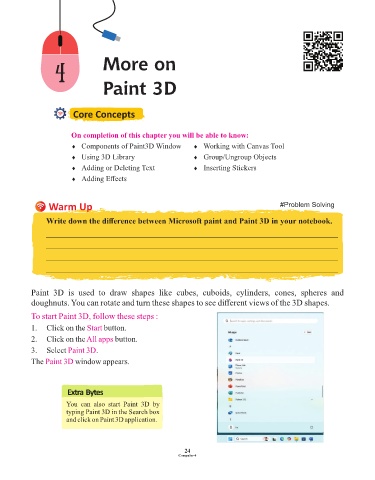
            To start Paint 3D, follow these steps :
            1.  Click on the Start   button.
            2.  Click on the All apps    button.

            3.  Select Paint 3D   .
            The Paint 3D   window appears.


                        Extra Bytes

                        You  can  also  start  Paint  3D  by
                        typing Paint 3D in the Search box
                        and click on Paint 3D application.


                                                                 24
                                                               Computer-4

