


Page 28 - 00inner.cdr
P. 28
USING 3D LIBRARY
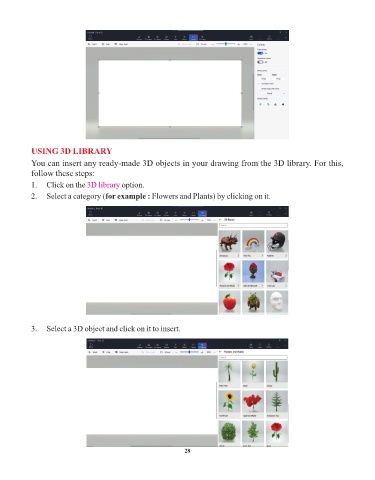
            You can insert any ready-made 3D objects in your drawing from the 3D library. For this,

            follow these steps:
            1.  Click on the 3D library    option.

            2.  Select a category (for example : Flowers and Plants) by clicking on it.


            3.  Select a 3D object and click on it to insert.


                                                                 28

