


Page 27 - Code Craft Computer-7
P. 27
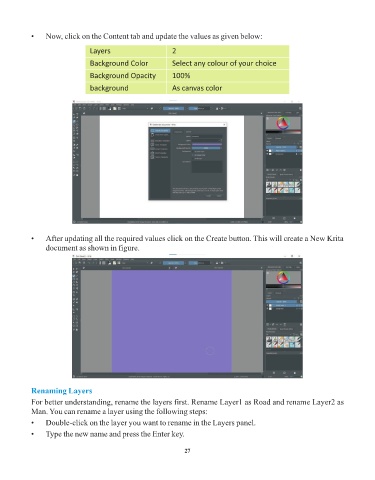
•    Now, click on the Content tab and update the values as given below:

                                Layers                       2

                                Background Color             Select any colour of your choice

                                Background Opacity           100%
                                background                   As canvas color


            •    After updating all the required values click on the Create button. This will create a New Krita
                 document as shown in figure.


            Renaming Layers
            For better understanding, rename the layers first. Rename Layer1 as Road and rename Layer2 as
            Man. You can rename a layer using the following steps:
            •    Double-click on the layer you want to rename in the Layers panel.

            •    Type the new name and press the Enter key.


                                                                 27

