


Page 43 - Code Craft Computer-7
P. 43
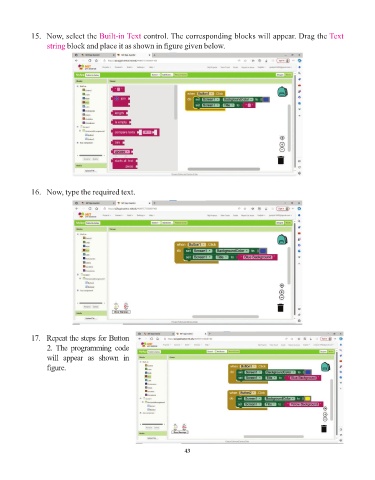
15.   Now, select the Built-in Text    control. The corresponding blocks will appear. Drag the Text
                 string block and place it as shown in figure given below.


            16.   Now, type the required text.


            17.   Repeat the steps for Button
                 2. The programming code
                 will  appear  as  shown  in

                 figure.


                                                                 43

