


Page 30 - 00inner.cdr
P. 30
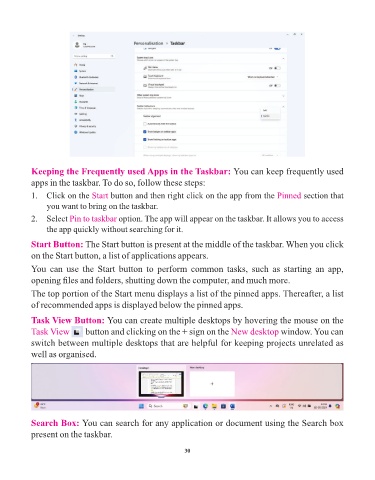
Keeping the Frequently used Apps in the Taskbar: You can keep frequently used

            apps in the taskbar. To do so, follow these steps:

            1.  Click on the Start     button and then right click on the app from the Pinned             section that
                 you want to bring on the taskbar.
            2.  Select Pin to taskbar     option. The app will appear on the taskbar. It allows you to access

                 the app quickly without searching for it.

            Start Button: The Start button is present at the middle of the taskbar. When you click
            on the Start button, a list of applications appears.

            You  can  use  the  Start  button  to  perform  common  tasks,  such  as  starting  an  app,

            opening files and folders, shutting down the computer, and much more.
            The top portion of the Start menu displays a list of the pinned apps. Thereafter, a list

            of recommended apps is displayed below the pinned apps.

            Task View Button: You can create multiple desktops by hovering the mouse on the

            Task View       button and clicking on the + sign on the             New desktop window. You can
            switch between multiple desktops that are helpful for keeping projects unrelated as

            well as organised.


            Search Box: You can search for any application or document using the Search box

            present on the taskbar.


                                                                 30

