


Page 42 - 00inner.cdr
P. 42
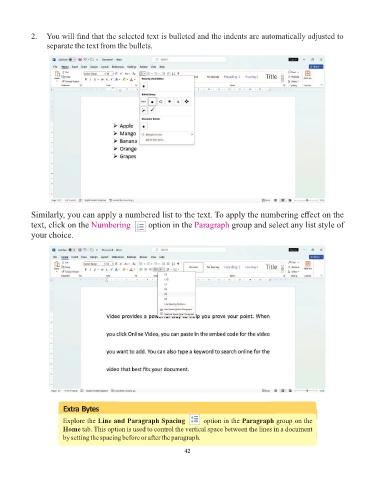
2.   You will find that the selected text is bulleted and the indents are automatically adjusted to
                 separate the text from the bullets.


            Similarly, you can apply a numbered list to the text. To apply the numbering effect on the
            text, click on the Numbering pic-       option in the Paragraph      group and select any list style of
            your choice.


                       Extra Bytes

                       Explore the Line and Paragraph Spacing pic-a    option in the Paragraph group on the
                       Home tab. This option is used to control the vertical space between the lines in a document
                       by setting the spacing before or after the paragraph.

                                                                 42

