


Page 13 - Code Craft Computer-7
P. 13
Let's Know About

                     2               Formulas and


                                     Functions in Excel


                           Core Concepts

                          On completion of this chapter you will be able to know:
                          ¨  Working with Formulas              ¨  Cell Range
                          ¨   Cell Reference                    ¨   Functions
                          ¨   Formula Errors


                  Warm Up                                                                       #Problem Solving


                 Write down the steps to start Excel 2021.
                 _____________________________________________________________________________
                 _____________________________________________________________________________
                 _____________________________________________________________________________
                 _____________________________________________________________________________


            Formulas are the user-defined instructions to perform calculations; whereas, functions are the pre-
            defined or inbuilt formulas that are there in Excel, by default.

            WORKING WITH FORMULAS

            Formulas  are  used  to  perform  calculations,  such  as  addition,  subtraction,  division,  and
            multiplication. A formula establishes a relationship between two or more cells. It is an expression
            that can include cell addresses, numbers, arithmetic operators, and parentheses. Using it, you can
            perform simple as well as complex calculations.

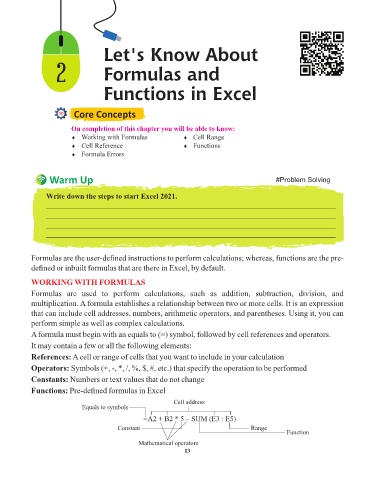
            A formula must begin with an equals to (=) symbol, followed by cell references and operators.
            It may contain a few or all the following elements:
            References: A cell or range of cells that you want to include in your calculation

            Operators: Symbols (+, -, *, /, %, $, #, etc.) that specify the operation to be performed
            Constants: Numbers or text values that do not change

            Functions: Pre-defined formulas in Excel
                                                             Cell address
                             Equals to symbols

                                                   =A2 + B2 * 5 – SUM (E3 : E5)
                                          Constant                                      Range
                                                                                                    Function
                                                 Mathematical operators
                                                                 13

