


Page 18 - Code Craft Computer-7
P. 18
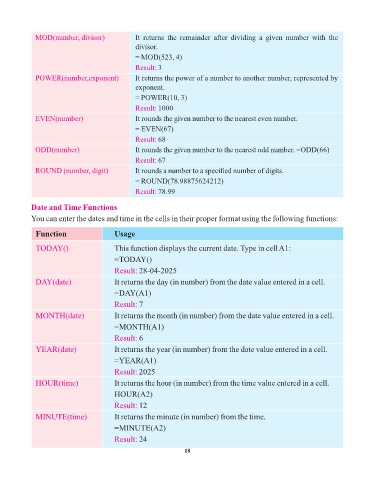
MOD(number, divisor)               It  returns  the  remainder  after  dividing  a  given  number  with  the
                                                divisor.
                                                = MOD(523, 4)
                                                Result:  3
             POWER(number,exponent)             It returns the power of a number to another number, represented by
                                                exponent.
                                                = POWER(10, 3)

                                                Result: 1000
             EVEN(number)                       It rounds the given number to the nearest even number.
                                                = EVEN(67)

                                                Result: 68
             ODD(number)                        It rounds the given number to the nearest odd number. =ODD(66)
                                                Result: 67
             ROUND (number, digit)              It rounds a number to a specified number of digits.
                                                = ROUND(78.98875624212)

                                                Result:  78.99

            Date and Time Functions
            You can enter the dates and time in the cells in their proper format using the following functions:


             Function                    Usage

             TODAY()                     This function displays the current date. Type in cell A1:
                                         =TODAY()

                                         Result: 28-04-2025
             DAY(date)                   It returns the day (in number) from the date value entered in a cell.
                                         =DAY(A1)

                                         Result: 7
             MONTH(date)                 It returns the month (in number) from the date value entered in a cell.

                                         =MONTH(A1)
                                         Result: 6

             YEAR(date)                  It returns the year (in number) from the date value entered in a cell.
                                         =YEAR(A1)

                                         Result: 2025
             HOUR(time)                  It returns the hour (in number) from the time value entered in a cell.
                                         HOUR(A2)

                                         Result: 12
             MINUTE(time)                It returns the minute (in number) from the time.

                                         =MINUTE(A2)
                                         Result: 24

                                                                 18

