


Page 40 - Code Craft Computer-8
P. 40
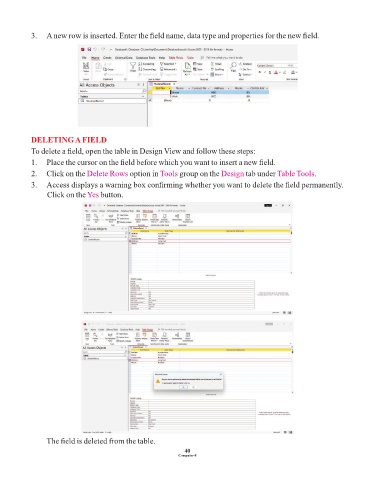
3.   A new row is inserted. Enter the field name, data type and properties for the new field.


            DELETING A FIELD
            To delete a field, open the table in Design View and follow these steps:
            1.   Place the cursor on the field before which you want to insert a new field.

            2.    Click on the Delete Rows    option in Tools  group on the Design    tab under Table Tools   .
            3.   Access displays a warning box confirming whether you want to delete the field permanently.
                 Click on the Yes   button.


                 The field is deleted from the table.

                                                                 40
                                                               Computer-8

