


Page 35 - Code Craft Computer-8
P. 35
5.   Use the Field Properties    pane to set the properties for the fields.

            6.   Place the cursor on the field to be set as the primary key.
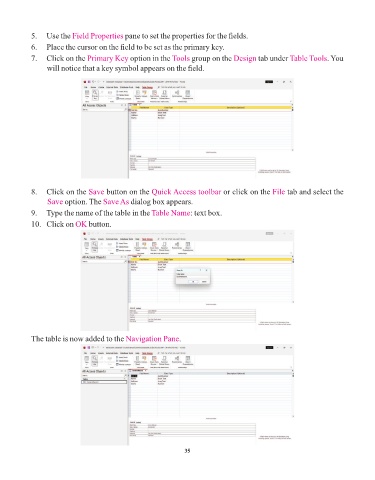
            7.   Click on the Primary Key     option in the Tools   group on the Design    tab under Table Tools  . You
                 will notice that a key symbol appears on the field.


            8.   Click on the Save    button on the Quick Access toolbar      or click on the File   tab and select the
                 Save option. The    Save As dialog box appears.
            9.   Type the name of the table in the Table Name      : text box.

            10.   Click on OK   button.


            The table is now added to the Navigation Pane      .


                                                                 35

