


Page 39 - Code Craft Computer-8
P. 39
SEARCHING RECORDS IN A TABLE

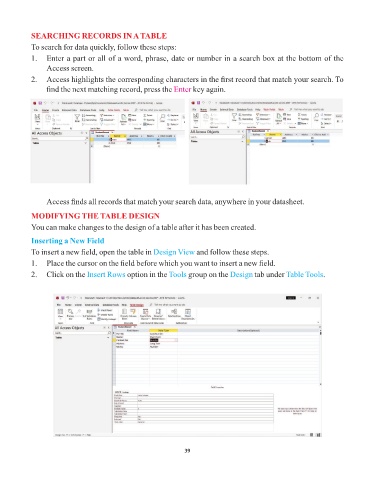
            To search for data quickly, follow these steps:
            1.   Enter a part or all of a word, phrase, date or number in a search box at the bottom of the
                 Access screen.
            2.   Access highlights the corresponding characters in the first record that match your search. To

                 find the next matching record, press the Enter      key again.


                 Access finds all records that match your search data, anywhere in your datasheet.

            MODIFYING THE TABLE DESIGN
            You can make changes to the design of a table after it has been created.

            Inserting a New Field

            To insert a new field, open the table in Design View      and follow these steps.
            1.   Place the cursor on the field before which you want to insert a new field.
            2.   Click on the Insert Rows    option in the Tools  group on the Design    tab under Table Tools   .


                                                                 39

