


Page 34 - Code Craft Computer-8
P. 34
Design View

            In Design View of the table, you can enter the field names, their data types and descriptions.
            The Design View window is divided into two parts:
            1.  Field Grid Pane:      It is used for entering field names and their data types. You can also give
                 an optional description about each field in this pane.

            2.  Field Properties Pane:      This section is used to set properties for the fields in the table.

            Datasheet View
            Datasheet View is used to enter data in a table. When you double-click the table name in the
            database window, it opens up in the Datasheet View.


            Switching Between Views
            Microsoft Access allows you to switch from one view to another by
            following either of the two methods:
            Method 1: Click on the       View option in the    Views group on the
            Home tab to change the desired view.

            Method 2: Click on the     Design View        or   Datasheet View  aaa
            buttons at the right corner of the status bar.

            CREATING A TABLE

            There are various ways of creating a table in MS Access. These are:
            •    Creating tables in Design View

            •    Creating tables by using Templates
            •    Creating tables by entering data in Datasheet View
            In this chapter, you will learn how to create a table in the Design View. This lets you design the
            structure of a table by specifying the field names, data types and their properties.

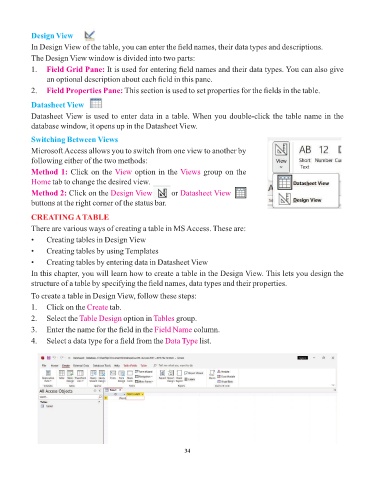
            To create a table in Design View, follow these steps:

            1.   Click on the Create   tab.
            2.   Select the Table Design    option in Tables  group.
            3.   Enter the name for the field in the Field Name      column.

            4.   Select a data type for a field from the Data Type     list.


                                                                 34

