


Page 38 - Code Craft Computer-8
P. 38
DELETING RECORDS IN A TABLE
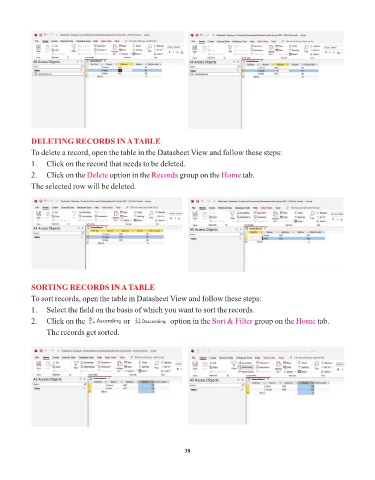
            To delete a record, open the table in the Datasheet View and follow these steps:

            1.   Click on the record that needs to be deleted.
            2.   Click on the Delete   option in the Records   group on the Home     tab.

            The selected row will be deleted.


            SORTING RECORDS IN A TABLE

            To sort records, open the table in Datasheet View and follow these steps:
            1.   Select the field on the basis of which you want to sort the records.

            2.   Click on the                   or                    option in the Sort & Filter  group on the Home  tab.
                 The records get sorted.


                                                                 38

