


Page 37 - Code Craft Computer-8
P. 37
ADDING RECORDS IN A TABLE

            To Add a New Record
            You can add a new record to a table in three ways.
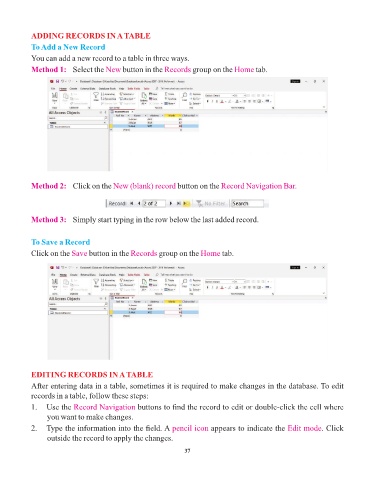
            Method 1:  Select the     New button in the   Records group on the    Home tab.


            Method 2:  Click on the     New (blank) record button on the     Record Navigation Bar.


            Method 3:  Simply start typing in the row below the last added record.


            To Save a Record
            Click on the Save   button in the Records   group on the Home     tab.


            EDITING RECORDS IN A TABLE
            After entering data in a table, sometimes it is required to make changes in the database. To edit

            records in a table, follow these steps:
            1.   Use the Record Navigation       buttons to find the record to edit or double-click the cell where
                 you want to make changes.

            2.   Type the information into the field. A pencil icon        appears to indicate the Edit mode     . Click
                 outside the record to apply the changes.

                                                                 37

