


Page 55 - Code Craft Computer-8
P. 55
<A href="https:\\www.google.co.in"> Click Here</A>

            </BODY>
            </HTML>

            INSERTING IMAGES

             Besides text, you can display graphics, drawings, painting, charts, maps or photographs on a web
            page. The image file formats supported by most web browsers include GIF (Graphics Interchange
            Format), JPEG (Joint Photographic Experts Group), and PNG (Portable Network Graphics). The
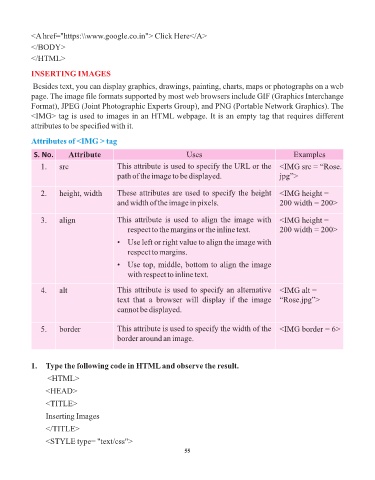
            <IMG> tag is used to images in an HTML webpage. It is an empty tag that requires different
            attributes to be specified with it.


            Attributes of <IMG > tag

             S. No.      Attribute                                Uses                                Examples
               1.     src                 This attribute is used to specify the URL or the  <IMG src = “Rose.
                                          path of the image to be displayed.                      jpg”>


               2.     height, width       These attributes are used to specify the height  <IMG height =
                                          and width of the image in pixels.                       200 width = 200>


               3.     align               This attribute is used to align the image with  <IMG height =
                                             respect to the margins or the inline text.           200 width = 200>

                                          •  Use left or right value to align the image with
                                             respect to margins.
                                          •  Use top, middle, bottom to align the image
                                             with respect to inline text.


               4.     alt                 This attribute is used to specify an alternative  <IMG alt =
                                          text  that  a  browser  will  display  if  the  image  “Rose.jpg”>
                                          cannot be displayed.


               5.     border              This attribute is used to specify the width of the  <IMG border = 6>
                                          border around an image.


            1.  Type the following code in HTML and observe the result.

                  <HTML>

                 <HEAD>
                 <TITLE>

                 Inserting Images

                 </TITLE>
                 <STYLE type= "text/css">

                                                                 55

