


Page 20 - Code Craft Computer-8
P. 20
3. Maintaining efficiency: To maximise the efficiency of the database system, you must keep
            your system updated. Therefore, you must perform frequent updates and apply the latest patches
            and security measures to all components.

            INTRODUCTION TO MS ACCESS 2021

            Microsoft Access is the most popular RDBMS that comes as a part of the
            Microsoft Office caps suite. It is used to organise and manipulate the data. It
            organises data in the form of tables.

            It provides the facility to create a relationship between these tables, using
            common fields. MS Access provides a graphical user interface for managing
            the data. Databases in MS Access 2021 are composed of four main objects
            which allow you to enter, store, analyse and compile the data.

            OBJECTS IN MS ACCESS
            The main objects that can be created in Access are as follows:

            1.  Tables:  Tables  are  the  building  blocks  of  a  database.  They  store  the  complete  data  in  a
            structured manner, i.e., in the form of rows and columns. Every table has a finite number of
            columns and rows.
            2. Queries: A query is a special view of a table corresponding to some desired information to be

            extracted. A query can display chosen records or chosen fields within records. A query can apply
            to one table or to multiple tables, if they are linked by common data fields.
            3. Forms: They provide a user interface that lets the users enter and change data in the tables.

            4. Reports: If forms are the input, then reports are for output. Reports are used to display the data
            stored in database tables in a professional format, for printing purposes.
            Even if you have a good idea of how each object can be used, it can initially be difficult to
            understand how they all work together. It helps to remember that they all work with the same data.
            Every piece of data, a query  , form , or report  used is stored in one of your database tables  .


            STARTING MS ACCESS 2021
            To start MS Access 2021, follow these steps:
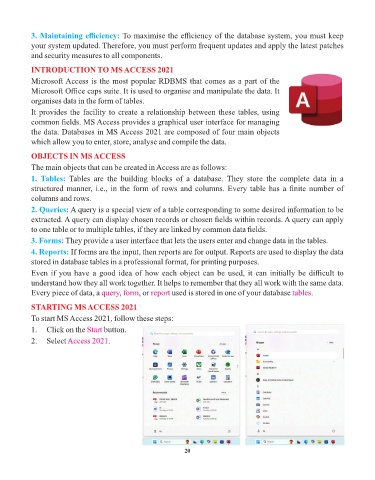
            1.   Click on the Start  button.

            2.   Select Access 2021   .


                                                                 20

