


Page 24 - Code Craft Computer-8
P. 24
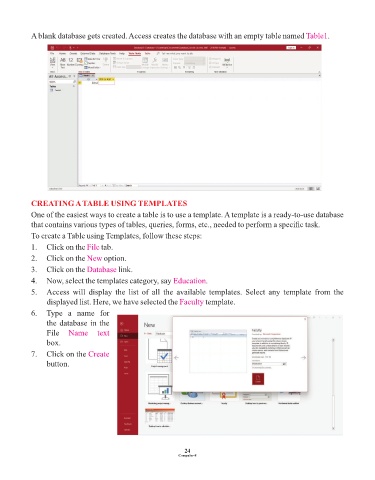
A blank database gets created. Access creates the database with an empty table named Table1           .


            CREATING A TABLE USING TEMPLATES

            One of the easiest ways to create a table is to use a template. A template is a ready-to-use database
            that contains various types of tables, queries, forms, etc., needed to perform a specific task.
            To create a Table using Templates, follow these steps:

            1.   Click on the File  tab.
            2.   Click on the New    option.

            3.   Click on the Database    link.
            4.   Now, select the templates category, say Education      .
            5.   Access  will  display  the  list  of  all  the  available  templates.  Select  any  template  from  the
                 displayed list. Here, we have selected the Faculty     template.

            6.   Type  a  name  for
                 the database in the
                 File  Name  text
                 box.

            7.   Click on the Create
                 button.


                                                                 24
                                                               Computer-8

